How to Create a Digital Memorial
A practical, step-by-step guide to creating a meaningful online memorial page — from gathering photographs to writing a biography and involving family.
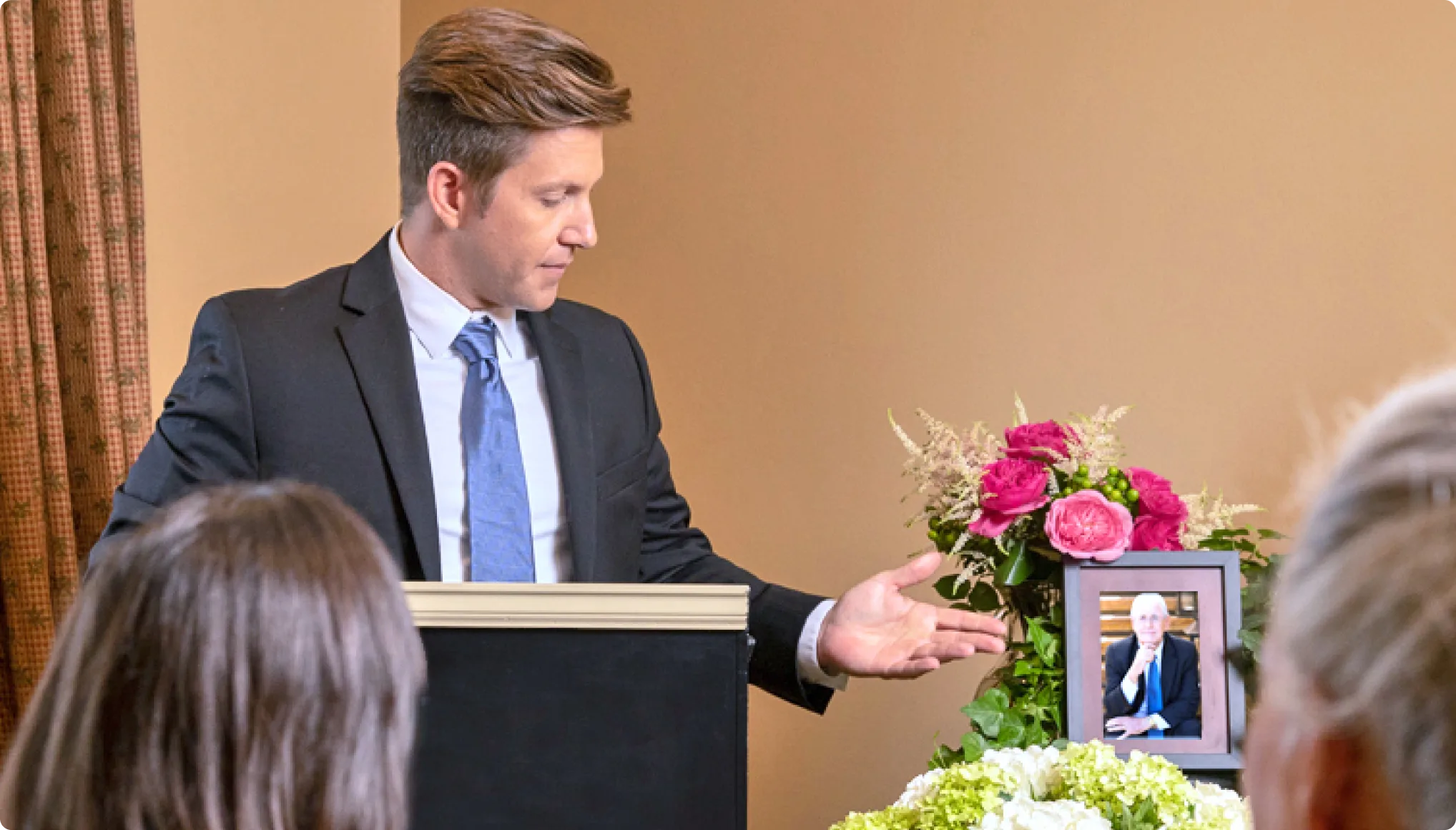
Creating a digital memorial for someone you have lost can feel like a daunting task, especially during a period of grief. But it does not need to be done all at once, and it does not need to be perfect from the start. The most meaningful memorial pages are often built gradually, with contributions from the people who knew and loved the person best.
If you are new to the concept, you may find it helpful to read about what a digital epitaph is before diving in. Here is a practical guide to help you create an online memorial that truly honours someone’s life.
Step 1: Gather the Essentials
Before you begin building the page, take some time to collect the basic information you will need:
- Full name (including any maiden names or nicknames they were known by)
- Date of birth and date of death
- Place of birth and where they lived
- Key family relationships — spouse, children, parents, siblings
This forms the foundation of the memorial. You can always add more detail later, but having these essentials in place gives the page structure from the beginning.
Step 2: Write a Biography
The biography is the heart of any memorial page. It tells the story of who this person was — not just the facts of their life, but their character, their passions, and the impact they had on the people around them.
Tips for writing a compelling biography:
- Start with what made them unique. Rather than opening with dates and places, begin with something that captures their essence — a personality trait, a favourite saying, or a story that everyone who knew them would recognise.
- Write in a natural voice. The best biographies read as though someone who loved them is telling their story. Formal language is not necessary. Write the way you would speak about them to a friend.
- Include the small details. The grand achievements matter, but so do the everyday things — the way they made their tea, the songs they sang in the car, the advice they always gave. These are the details that bring someone to life on the page.
- Cover the key chapters. Childhood, education, career, family life, retirement — touch on the main phases of their life, but do not feel obligated to cover everything. Focus on what mattered most.
- Keep it honest. A biography does not need to be a perfect portrait. Acknowledging someone’s quirks, stubbornness, or sense of mischief can make the tribute feel more genuine and more loving.
If writing feels difficult, try speaking the biography aloud first and recording it on your phone. You can then transcribe and tidy it up afterwards. Our guide on how to write an obituary covers many of the same principles and may be a useful companion.
Step 3: Collect Photographs and Videos
Photographs are what most visitors to a memorial page will connect with immediately. Aim to gather images from across the person’s life:
- Childhood and school photographs
- Wedding and family portraits
- Holiday snapshots and candid moments
- Photos with friends, colleagues, and pets
- Any video clips — birthday messages, family gatherings, interviews
If the photographs are physical prints, you can digitise them using a scanner or even a smartphone camera in good lighting. There are also dedicated apps designed specifically for scanning old photographs with impressive results.
Do not worry about image quality. A slightly faded photograph from the 1970s carries far more emotional weight than a technically perfect image with no story behind it.
Step 4: Build a Timeline
A timeline is a wonderful way to present the key events of someone’s life in a clear, visual format. It does not need to be exhaustive — focus on the moments that shaped who they were:
- Born in Glasgow, 1942
- Married Margaret, 1965
- First child, David, born 1967
- Retired from teaching, 2004
- Celebrated 50th wedding anniversary, 2015
Each entry can include a short note and a photograph, turning the timeline into a narrative that visitors can follow from beginning to end.
Step 5: Invite Family and Friends to Contribute
One of the most powerful aspects of a digital memorial is that it does not have to be the work of a single person. Invite family members and close friends to contribute their own memories, photographs, and stories.
Different people knew different sides of the person you are remembering. A colleague might share a story from work that the family never heard. A childhood friend might have photographs from decades ago. A grandchild might contribute a drawing or a simple message. Each contribution adds another layer to the memorial, making it richer and more complete.
You might find it helpful to send a simple message — by email, in a family group chat, or through social media — asking people to share their favourite memory or photograph. Many people welcome the invitation and find it a meaningful way to process their own grief. These contributions are also invaluable for preserving family memories for future generations.
Step 6: Consider Privacy Settings
Not every memorial needs to be public. When creating a digital memorial, think carefully about who you want to be able to view it.
Public memorials are visible to anyone with the link or who finds the page through a search engine. This is a good option if you want the memorial to be widely accessible — for example, for someone who was well known in their community.
Private memorials are restricted to people who have been specifically invited or given access. This suits families who prefer to keep the memorial within a close circle, particularly if it contains personal photographs or sensitive information.
There is no right or wrong choice here. Some families start with a private memorial and make it public later, once they are satisfied with the content. Others prefer to keep it private indefinitely. The important thing is that you feel comfortable with who can see it.
Step 7: Add Ceremony and Service Details
If the memorial page is being created around the time of a funeral or memorial service, it can also serve as a practical hub for sharing ceremony details — the date, time, location, and any special instructions regarding flowers or charitable donations.
This saves families from having to repeat the same information across multiple phone calls and messages, and ensures that everyone has access to the details they need.
There Is No Rush
The most important thing to remember is that a digital memorial does not need to be finished in a day. Start with what you have, and build it over time. Some of the most beautiful memorials are the ones that grow gradually — with new photographs surfacing, new stories being shared, and new family members discovering the page years after it was first created.
MyEpitaph is designed to make this process as gentle and straightforward as possible, giving you the tools to create a lasting tribute at whatever pace feels right for you and your family.
For a comprehensive overview of everything covered here and more, see our complete guide to digital memorials.
Create a lasting memorial
Honour someone you love with a beautiful online memorial page — with photos, stories, and a space for family and friends to share their memories.